


Simple cricket scoring app for turf, box & gully cricket
Score your friendly cricket matches in seconds with CrickHunt Quick Scoring. Free to use, no complicated setup, no internet required and no arguments over the score.
Play the game. We'll keep the score.
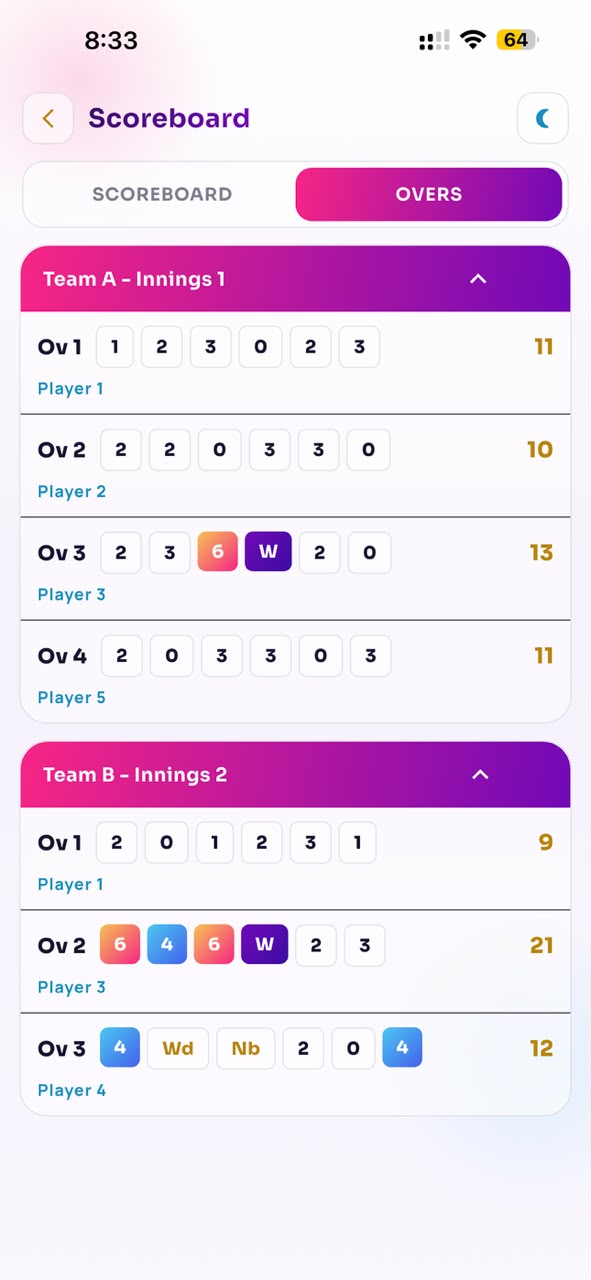
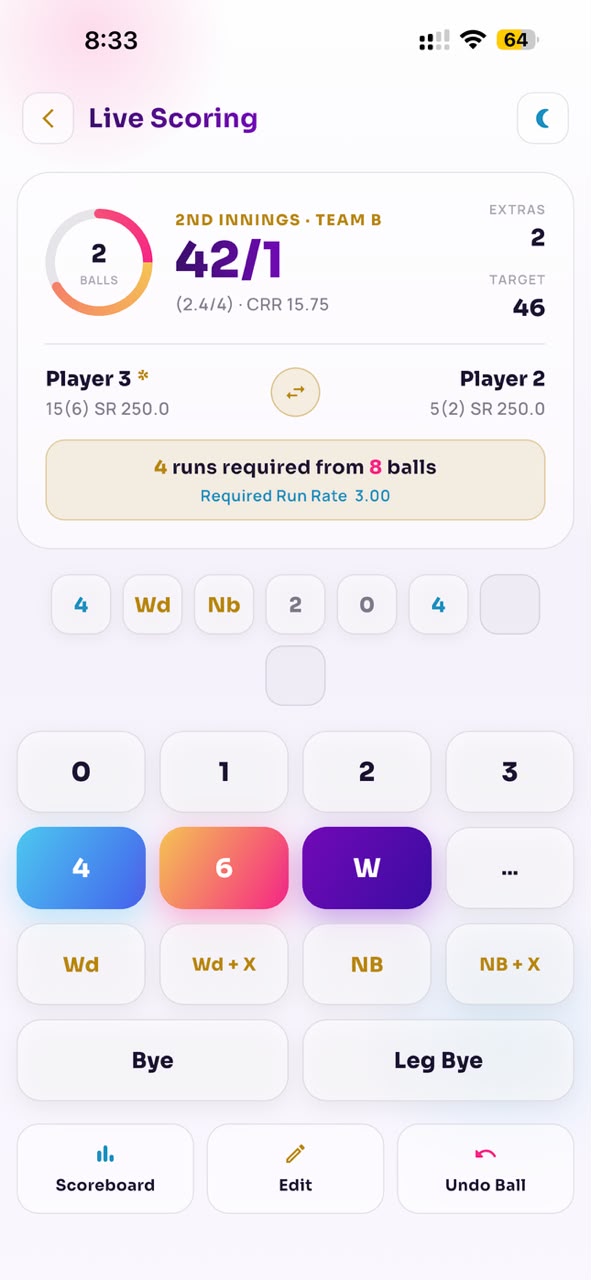
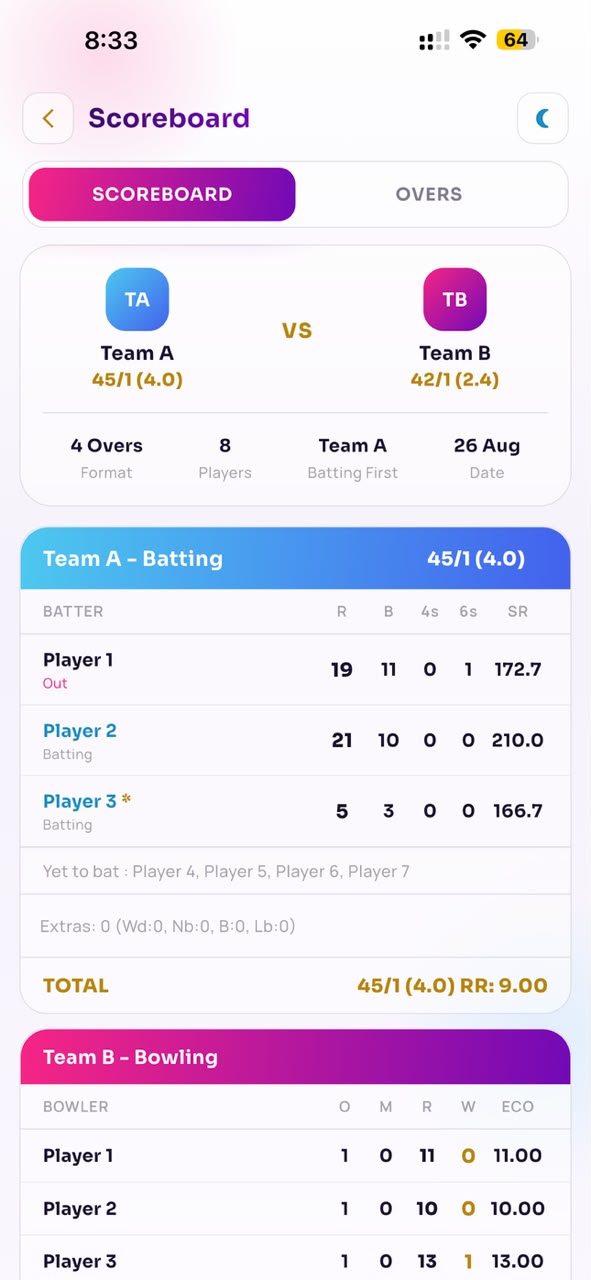
Turf cricket shouldn't come with scorekeeping arguments.
Somebody always ends up as the unofficial scorer — counting overs out loud, settling disputes and missing their own batting.
Skip the notebook, memory games and score arguments.
Keep everything on your phone — and keep playing.
- Batter "Wait, was that 4 or 6?"
- "How many runs are left?" Non-striker
- Fielder "Which over are we on?"
- "Who is keeping the score?" Captain
Meet Quick Scoring
A simple cricket scoring experience built for friendly matches — designed to get you scoring in seconds, not stuck setting things up.
- Mobile app
- Free to use
- Works offline
- Fast match setup
- Ball-by-ball scoring
- Easy scoreboard
- Over-by-over view
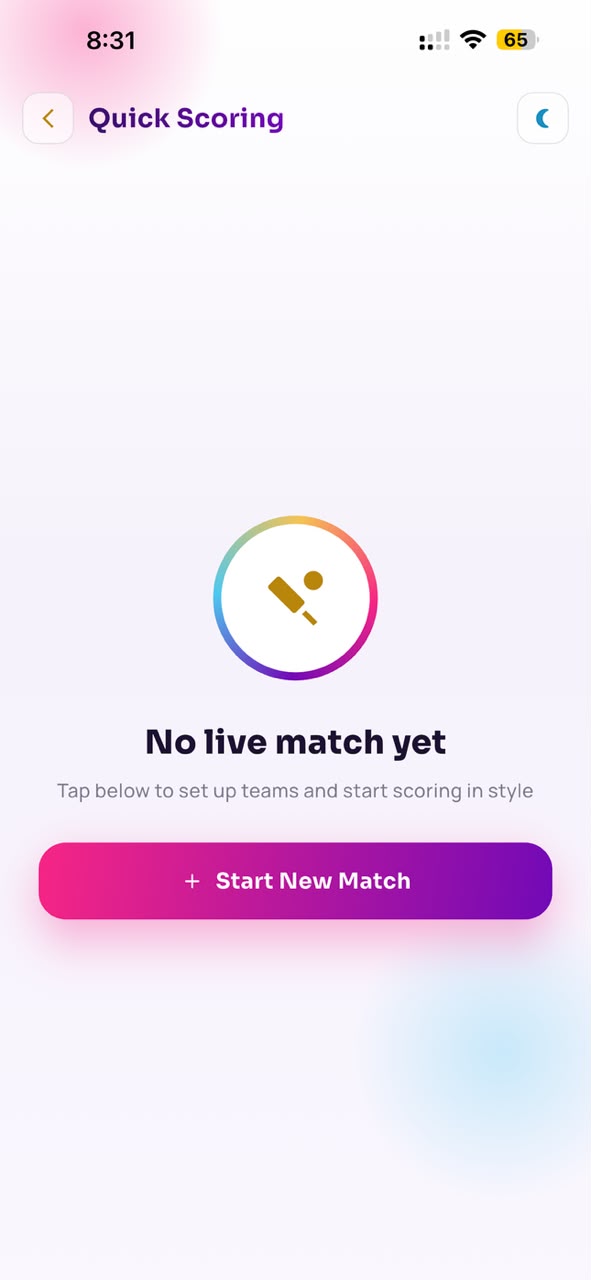
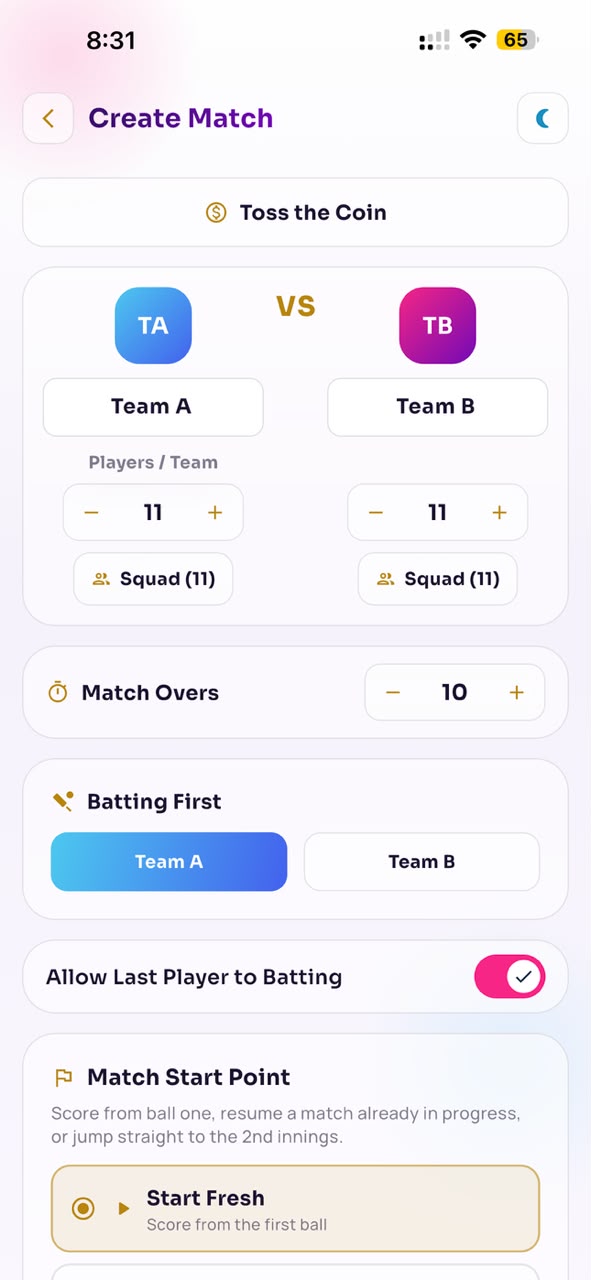
Three steps to your first ball
Setup to scoring in about a minute — no account juggling, no tournament forms.
- 01 Step one
Create your match
Choose teams, players, overs and match settings — including whether the last batsman can bat on.
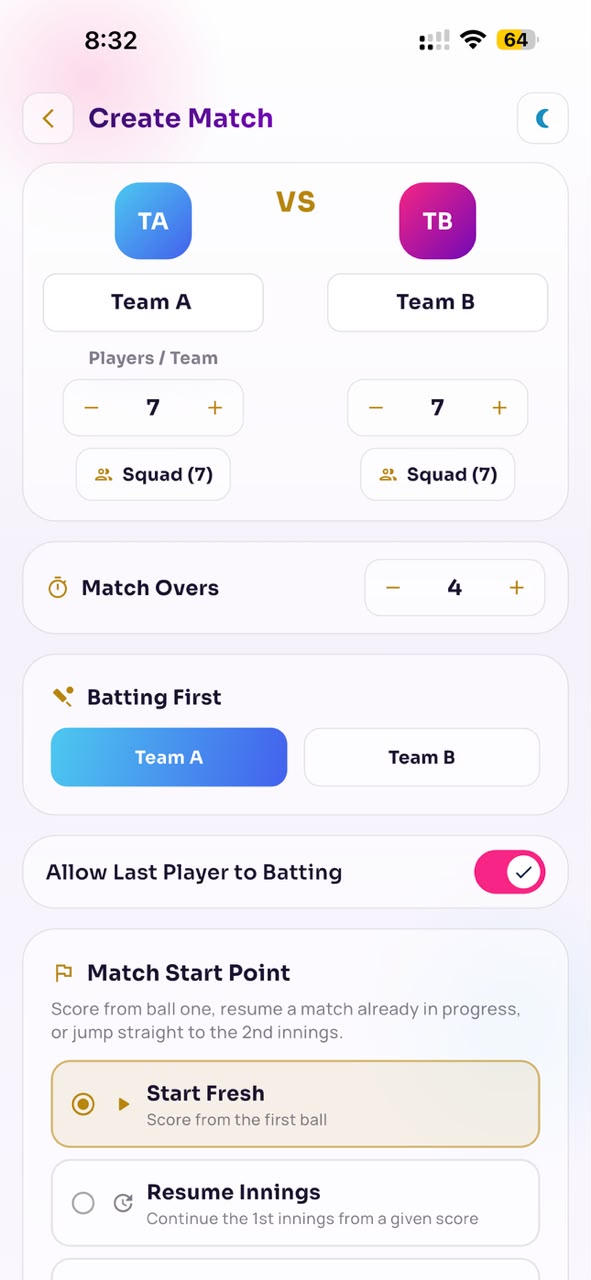
- 02 Step two
Start scoring
Record runs, wickets and extras ball by ball, straight from the side of the pitch.
- 03 Step three
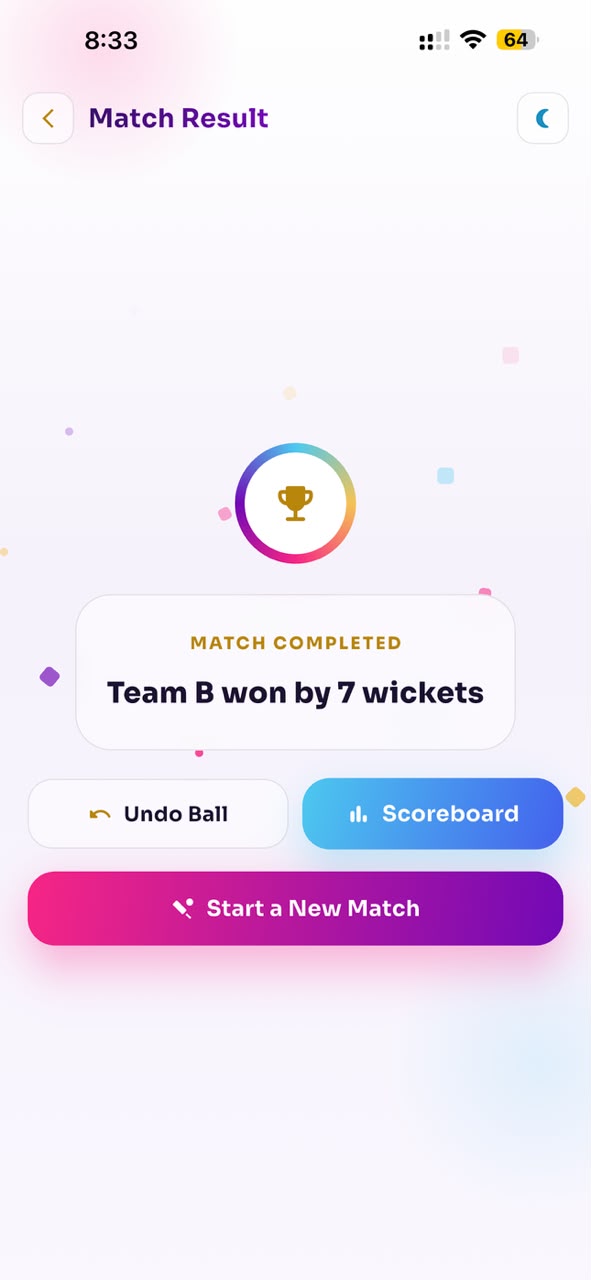
Enjoy the game
Keep the score clear and let everyone focus on playing — right through to the result.
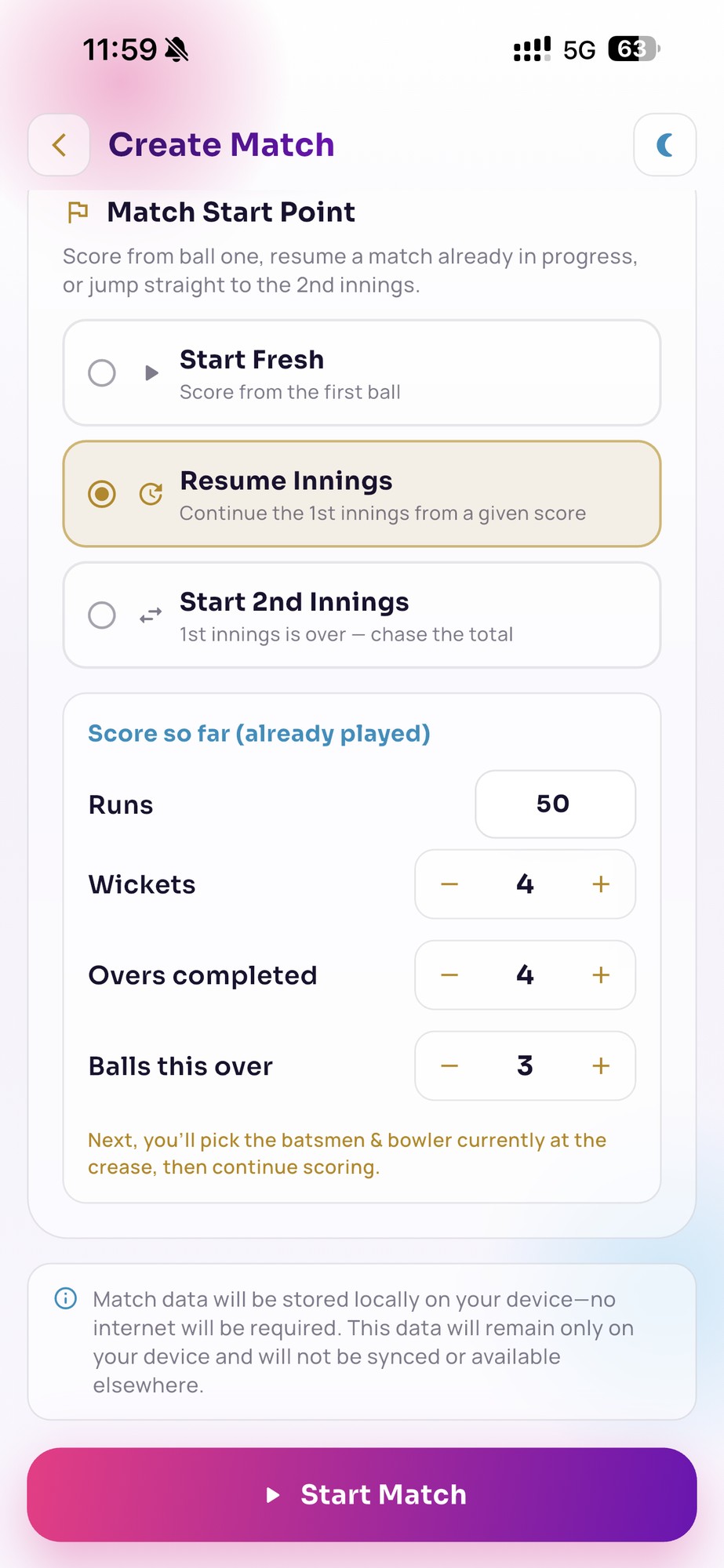
Join the match at any point — not just ball one
Friendly games rarely wait for a scorer. Pick where you're joining from and keep scoring.
Resume an innings already in progress
Already four overs in? Enter the runs, wickets, overs completed and balls in the current over, then carry on — this works mid first innings or mid second innings.
Then pick the batsmen and bowler at the crease, and keep scoring as if you'd been there all along.
Last batsman batting? Your call.
Box and gully rules differ ground to ground. Configure whether the last batsman keeps batting when partners run out, and Quick Scoring follows your rule all match.
Players set in seconds
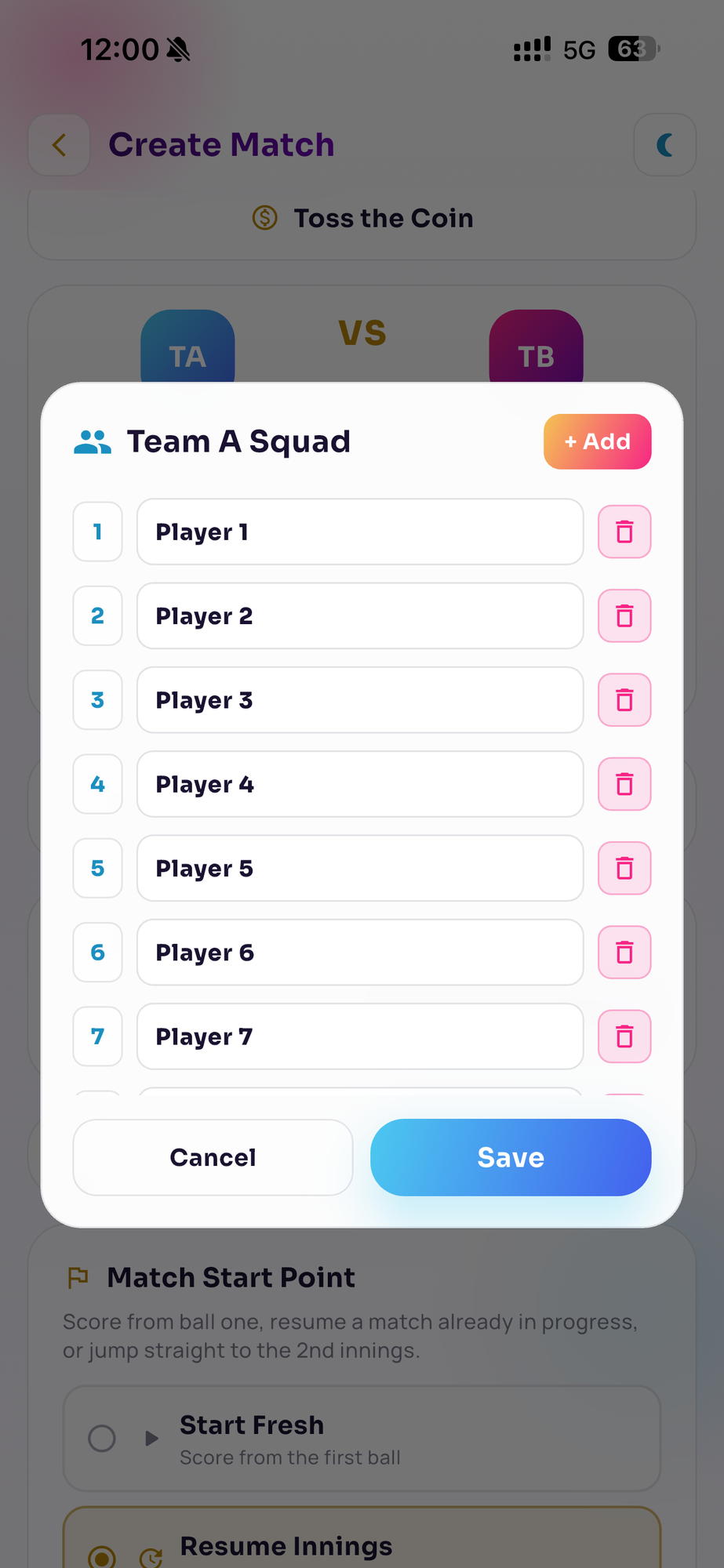
Add players in one sheet, rename or remove any of them, hit Save and you're ready to score.
No internet?
No problem.
Playing in a turf, box or ground with poor connectivity? Quick Scoring lets you keep scoring without depending on an internet connection.
- Start with no network
- Score ball by ball, uninterrupted
- Basement box turf or village ground
Score your match in seconds — even without internet.
No network needed Made for the matches that aren't tournaments
Quick Scoring is intentionally simple, so setup stays short and scoring stays obvious.
Quick Scoring
For the game you're playing today
- Friendly matches
- Turf cricket
- Box cricket
- Gully cricket
- Weekend games
- Friends & family
- Quick setup
Not for tournaments
A different job, handled elsewhere
- Tournament management
- League management
- Auction management
- Complex administration
Running something bigger? That lives in the wider CrickHunt platform, not in Quick Scoring.
Different match. Different need.
Perfect for your next game
Swipe to browse →
- Most played
Turf Match
Book a turf. Pick your teams. Start scoring.
- Indoor
Box Cricket
Keep every run and wicket clear while you play.
- Street
Gully Cricket
No notebook. No calculator. Just start scoring.
- Sunday
Weekend Match
Get your friends together and start a match in seconds.
- Everyone
Friends & Family
Keep the score fair and the game fun.
Every screen you'll actually use
Pick any step to see the actual screen from the CrickHunt app — setup, live scoring, scoreboard, overs and result.
Real screenshots from the CrickHunt mobile app.
Everything you need to keep the score
-
Fast match setup
Start your match without a complicated setup.
-
Ball-by-ball scoring
Record every delivery as you play.
-
Runs, wickets & extras
Keep the important match details accurate.
-
Over-by-over score
Quickly see how every over went.
-
Offline support
Keep scoring even without internet.
-
Simple scoreboard
Clear information that everyone can understand.
-
Start from any point
Ball one, mid-innings, or straight into the chase.
-
Last batsman rule
Choose whether the last batsman keeps batting alone.
-
Quick player setup
Add, rename or remove squad players in one sheet.
-
Stored on your device
Matches are saved in your phone’s local storage and automatically deleted after 30 days.
-
Reuse a previous match
Start a new game with the rules and squads from an existing match — no re-entering names.
Less arguing.
More cricket.
When everyone knows the score, everyone can focus on the game.
The phone sits on the bench with the scoreboard up. Nobody has to remember, nobody has to referee, and the friend who always scores finally gets to bat.
Stop arguing over the score. Start playing.
Fast
Start scoring in seconds.
Simple
Designed for everyday players, not administrators.
Offline
Keep scoring even when the network doesn't cooperate.
Ready for your next match?
Download CrickHunt and keep your next turf, box or gully match simple — Quick Scoring is completely free to use. No payment, no trial, no paywall.
Quick Scoring lives inside the CrickHunt mobile app — it isn't a website feature.
Cricket scoring app questions
Quick Scoring is a free and simple cricket scoring feature inside the CrickHunt mobile app. You create a match, score it ball by ball and see a clear scoreboard — built for friendly turf, box and gully cricket rather than tournament administration.
Yes. Quick Scoring works offline, so you can start a match and keep scoring even when the network at your turf or ground is poor or unavailable.
No. Quick Scoring is a mobile app only feature. You score your match from the CrickHunt app on your phone.
Yes. Quick Scoring is completely free to use inside the CrickHunt mobile app — no payment, no trial period and no paywall. Download the app, create your match and start scoring.
Yes. Turf matches are one of the main reasons Quick Scoring exists — pick your teams, set the overs and start scoring in seconds.
Yes. Box cricket games are usually short and fast, so Quick Scoring keeps setup minimal and records every run, wicket and extra as you play.
Yes. Gully games work the same way: no notebook, no calculator — just set up the match on your phone and score ball by ball.
No. Quick Scoring is intentionally simple and made for friendly and casual matches. Tournament, league and auction management are different needs handled elsewhere in CrickHunt.
Yes. In the Match Start Point step you can choose Start Fresh to score from the first ball, Resume Innings to continue from a score already played, or Start 2nd Innings to score the chase directly. When resuming, you enter the runs, wickets, overs completed and balls in the current over, then pick the batsmen and bowler at the crease.
Yes. Quick Scoring lets you configure whether the last batsman keeps batting when no partners remain, so the app follows the rule your group plays by.
Open the team's squad sheet while creating the match, add players, rename or remove any of them and tap Save. Setup stays quick so you can get to the first ball.
Matches are stored in your device's local storage, and each match is automatically deleted after 30 days. Quick Scoring keeps things light — it isn't a long-term match archive.
Yes. You can start a new match using the rules and squads from a previous or existing match, so you don't have to enter the same player names and settings again.
Open Quick Scoring in the CrickHunt app and tap Start New Match. Choose your teams, players per team, overs and who bats first, then score each delivery from the live scoring screen.
Score your next match free
Free · Mobile app · Works offline